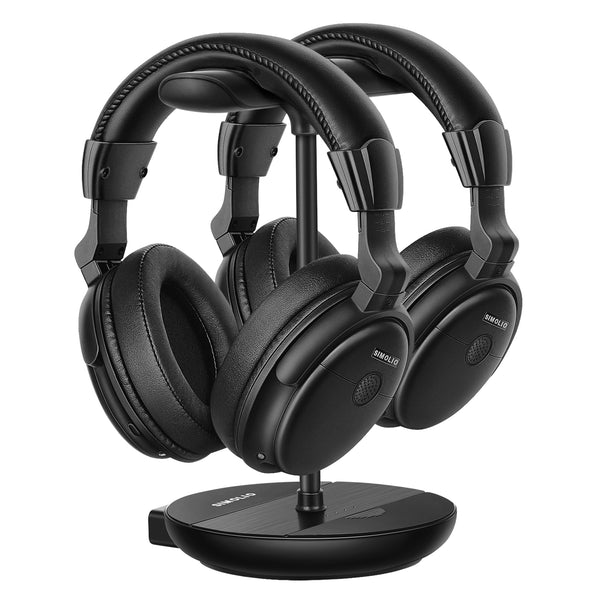
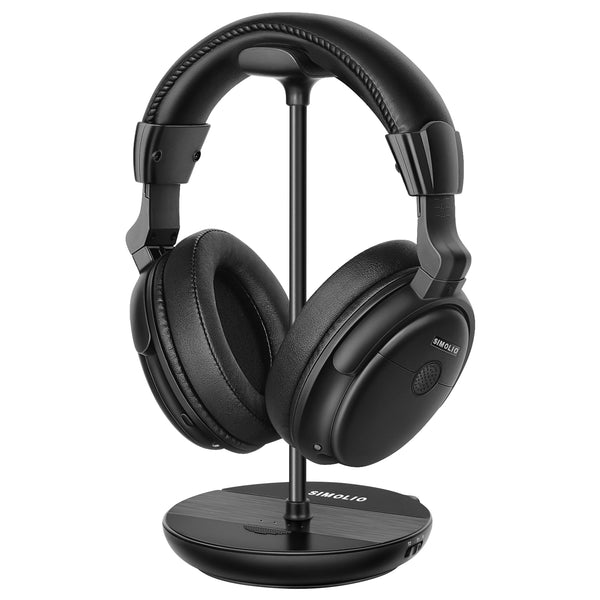
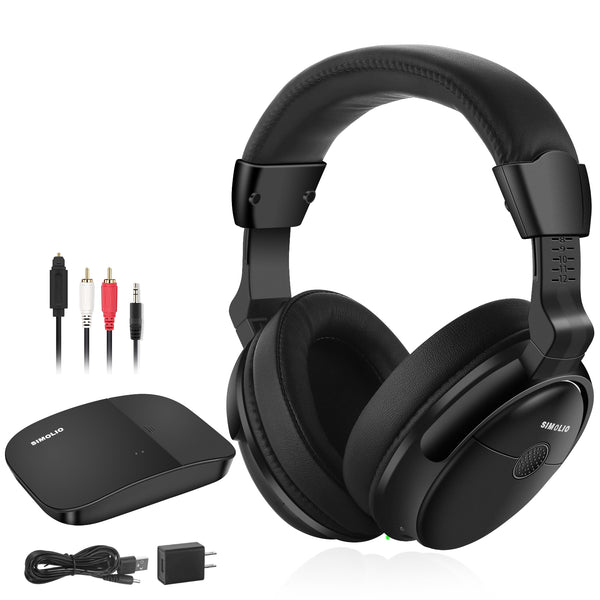
Yes. SIMOLIO headphones include voice enhancement and balance control to help seniors hear TV dialogue more clearly.
Free shipping on all order over $19.99
Fill the 20% off dicount code "BFCM20P" at the checkout.
Top three winner will gain our gift card $10.
Get 2 x reward Simoliostars for every purchase.
Yes. SIMOLIO headphones include voice enhancement and balance control to help seniors hear TV dialogue more clearly.
No. They allow the user to hear clearly without raising the TV volume, so others won’t be disturbed.
Yes. All models support Optical / RCA / 3.5mm outputs. Most modern TVs, soundbars, and streaming devices are compatible.
Just shop during Nov 20–Dec 1. Points are added automatically.
The top three with the most likes will win the $10 Gift Card!
Yes, for the most part.
Nowadays, smart TV or Bluetooth-enabled TV is very easy to get on the market. With modern
technology, most TVs support wireless headphones.
Unless your TV is very old, you can mostly enjoy watching TV with wireless headphones for TV watching.
When selecting wireless TV headphones, focus on these key features for an optimal viewing
experience for you:
These features are essential for creating a seamless and enjoyable TV-watching experience with quality TV headphones, tailored to your needs.
Wireless speakers work with TVs by receiving audio signals wirelessly instead of through traditional audio cables. Here's a simple breakdown of how wireless TV speakers work with TVs, including common connection methods:
How it works: Your TV sends audio via Bluetooth to the wireless speaker.
Steps: Put the speaker in Bluetooth pairing mode.
On your TV, go to Settings > Sound > Bluetooth Audio Devices (may vary by brand).
Select the speaker from the list.
Pros: Easy setup, no wires.
Cons: Limited range (usually 30 ft), may have audio delay (lip-sync issues).
How it works: Uses your home Wi-Fi network to transmit audio.
Steps:
1. Connect both TV and speaker to the same Wi-Fi.
2. Use the TV’s built-in app or a casting method (like AirPlay or Chromecast) to stream audio.
Pros: Higher audio quality, multi-room support, less lag.
Cons: Setup may be complex, requires stable Wi-Fi.
How it works: A small device plugged
into your TV (via headphone jack, RCA, or optical out) sends the audio signal
to a wireless speaker.
Steps:
Plug transmitter into TV.
Pair it with the speaker.
Pros: Works with TVs that don’t have Bluetooth.
Cons: You’ll need to buy a separate transmitter.

Wireless TV headphones featuring 2.4GHz technology allow you to watch your favorite
TV series/ videos with high quality sound and in perfect synchronization.
Look for headphones with built-in amplifiers or volume boosters to enhance audio without compromising clarity.
Many wireless TV headphones feature sound-enhancing technologies such as:
Voice Enhancement & noise reduction technologies help you understand TV easily at a reasonable volume without damaging your hearing.
The best wireless TV headphones for seniors should have an adjustable hearing profile, allowing you to customize audio settings to their needs. Some models even feature built-in hearing tests that adjust sound frequencies based on individual hearing loss patterns.
For seniors with limited mobility, wireless TV headphones should be easy to use and require minimal effort to set up. Consider these features: